Problem
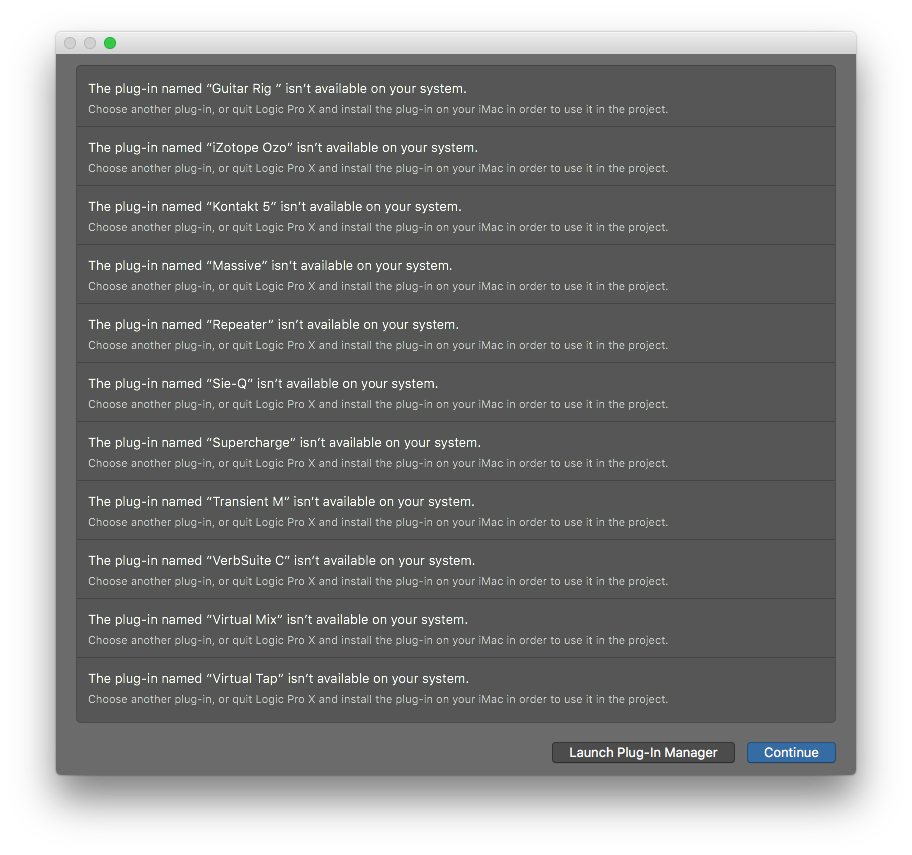
Loading a project from a friend. Logic says it can’t find a plugin, but the plugin name is abbreviated! How to find out what it is?
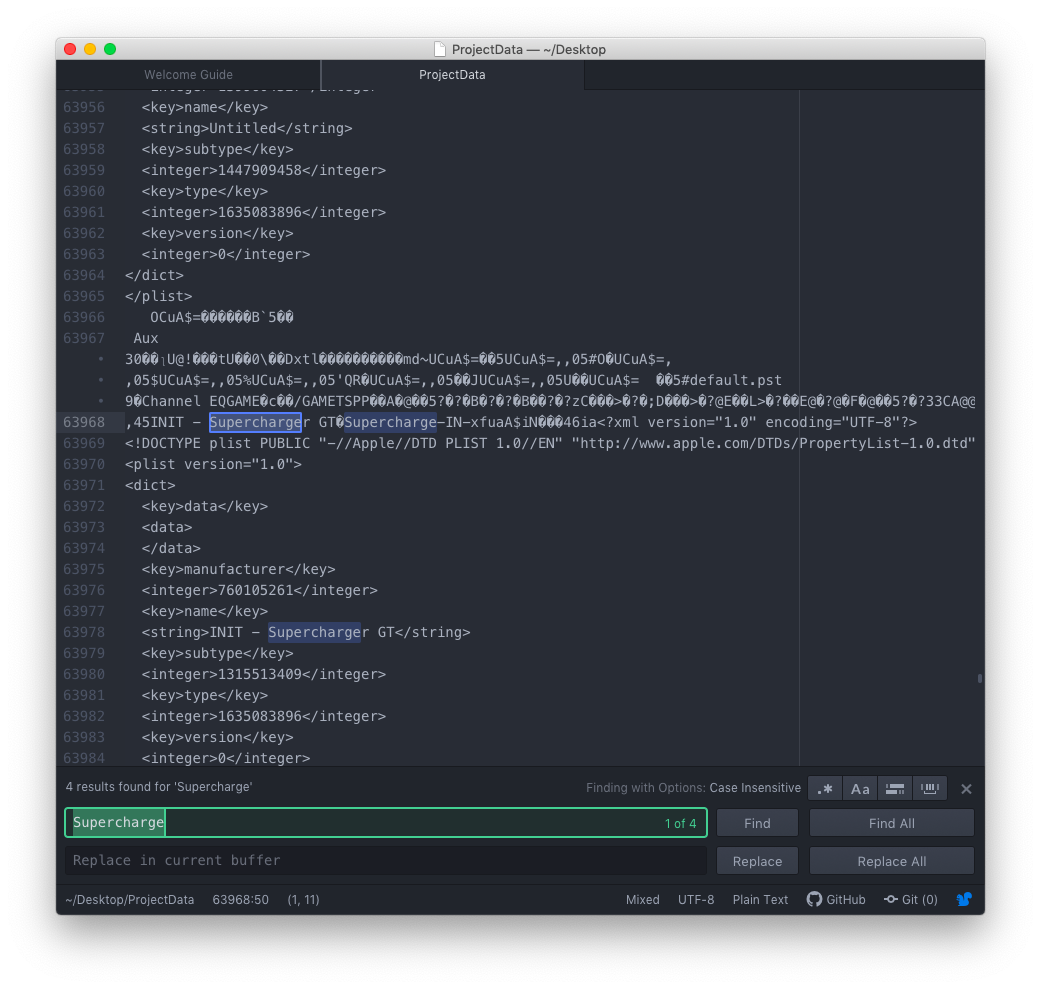
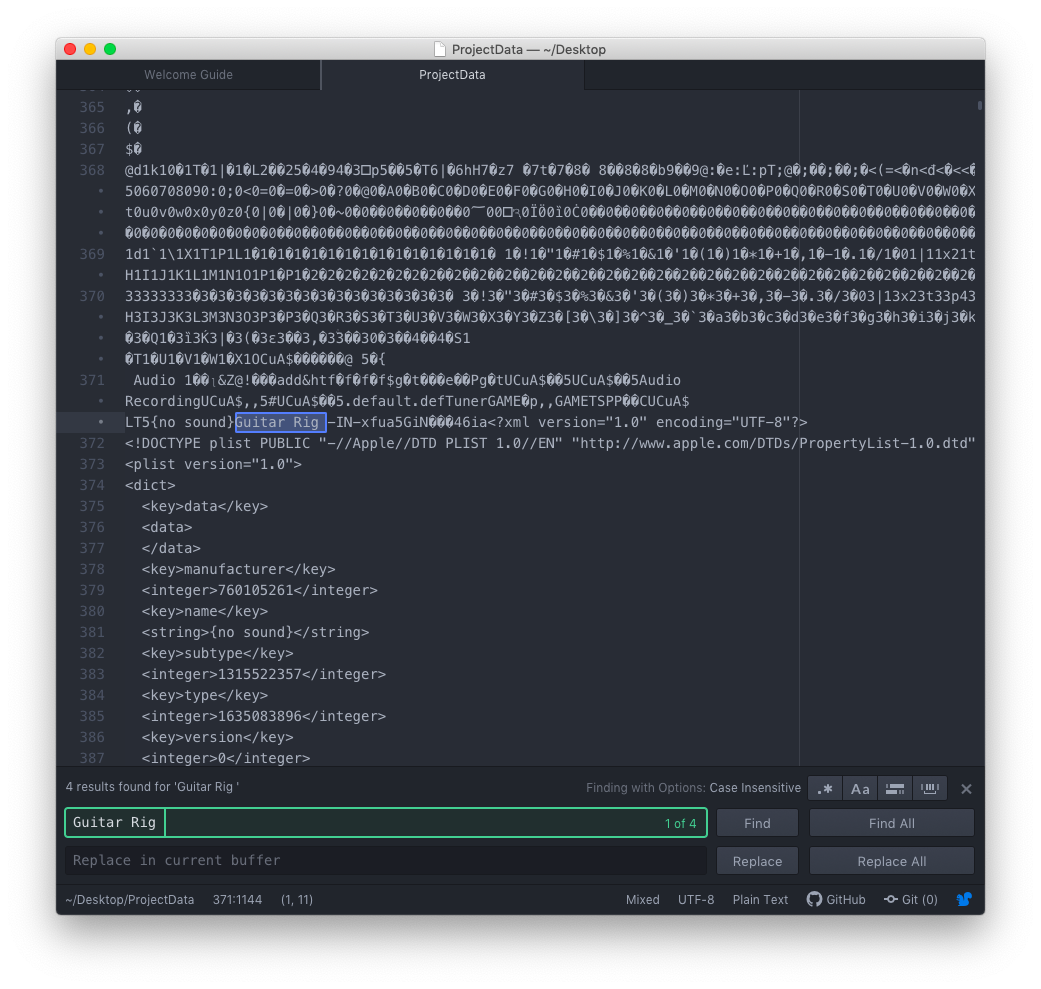
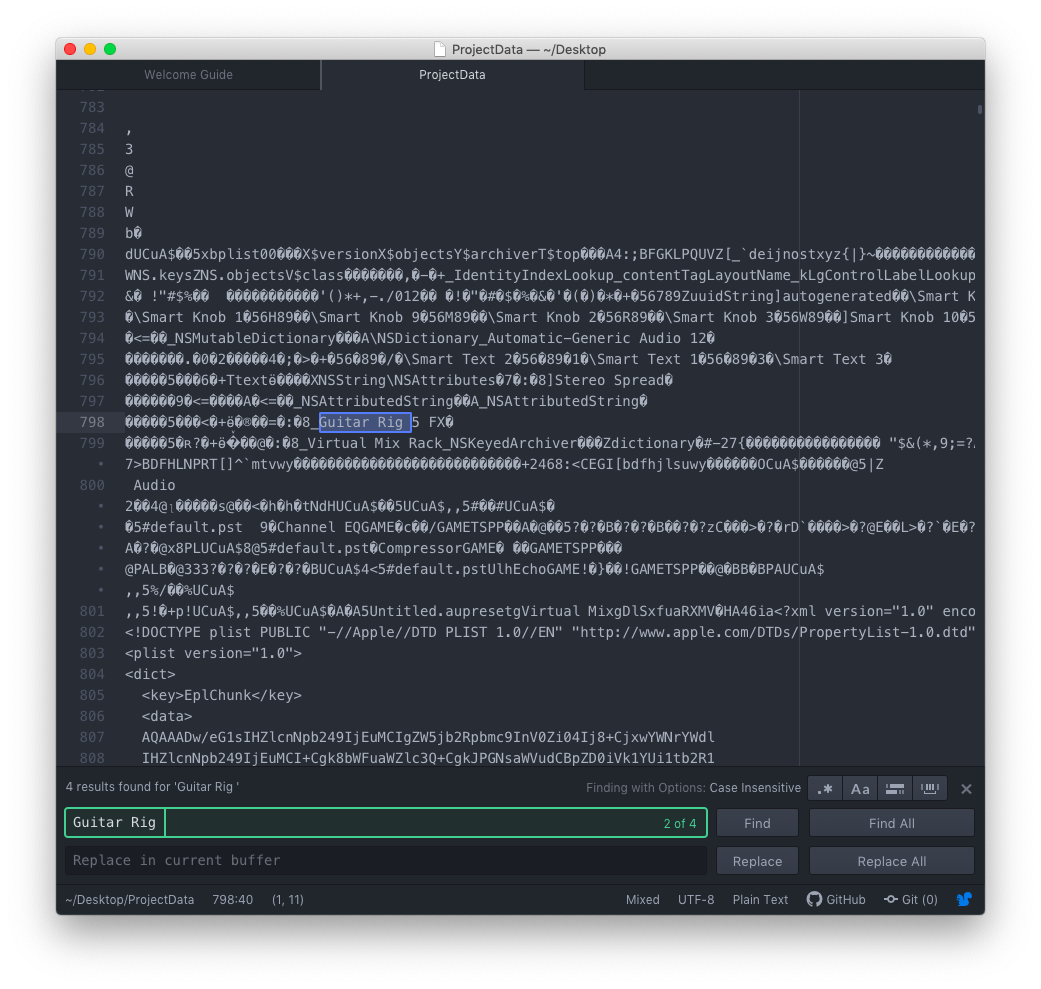
For example is Supercharge Supercharger or Supercharger GT? Which version is Guitar Rig (note the space at the end)?
Solution
Open the bundled ProjectData file in a text editor and perform a case sensitive search. The file is technically an encrypted SQLite database, so it needs to be interpreted as ASCII. Many of the columns appear to be unencrypted making search possible.
- Right click the Logic project
- Select
Show Package Contents - Go into the
Alternativesfolder and find the corresponding version folder (000,001, etc.) - Copy the
ProjectDatafile to your Desktop (to be safe) - Open
ProjectDatafrom your Desktop in your favorite code editor (Atom, VSCode, etc.)- TextEdit will work but may be slow
- I perfer a text editor over a hex editor because of the syntax highlighting
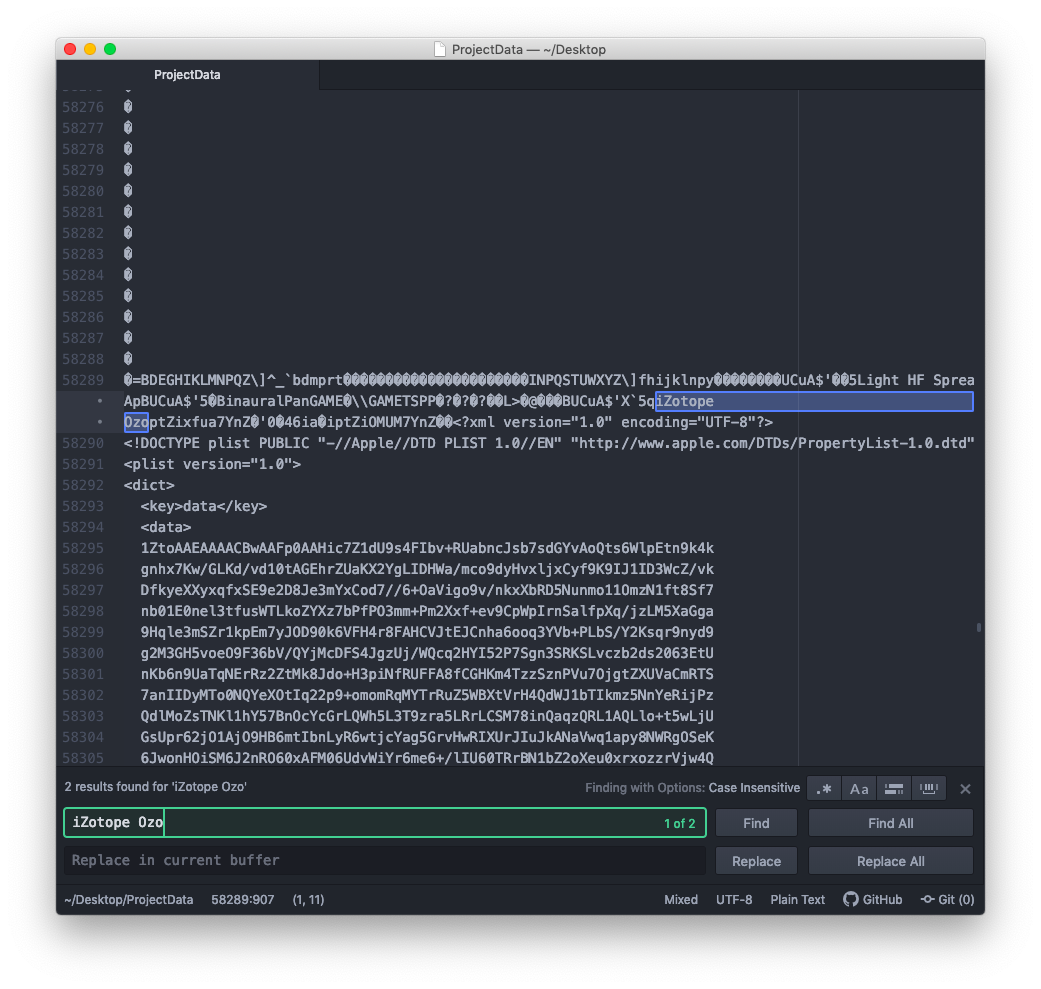
Note: since this a hack, YMMV. For example iZotope Ozo turned out to be iZotope Ozone 7 Advanced, and I only determined that through manual trial and error by installing various trial versions.
Screenshots